Valtora Games
Colorwick
A whole painting studio for little artists.
Pick a door, sit at the easel and paint! Kids aged 3 to 8 create their own little artist and color 301 pictures in 7 themed rooms, 250 world flags and a free drawing room. No ads, no purchases, no internet and no reading needed.
- Ages 3 to 8
- Windows 10 · 11
- Offline
- No ads · No purchases
- 16 languages
Trailer
Screenshots
About the game
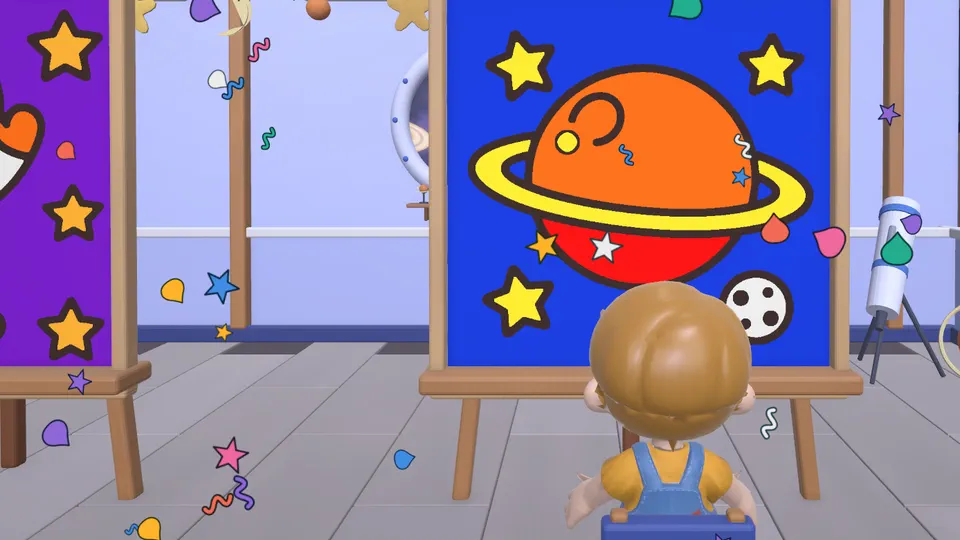
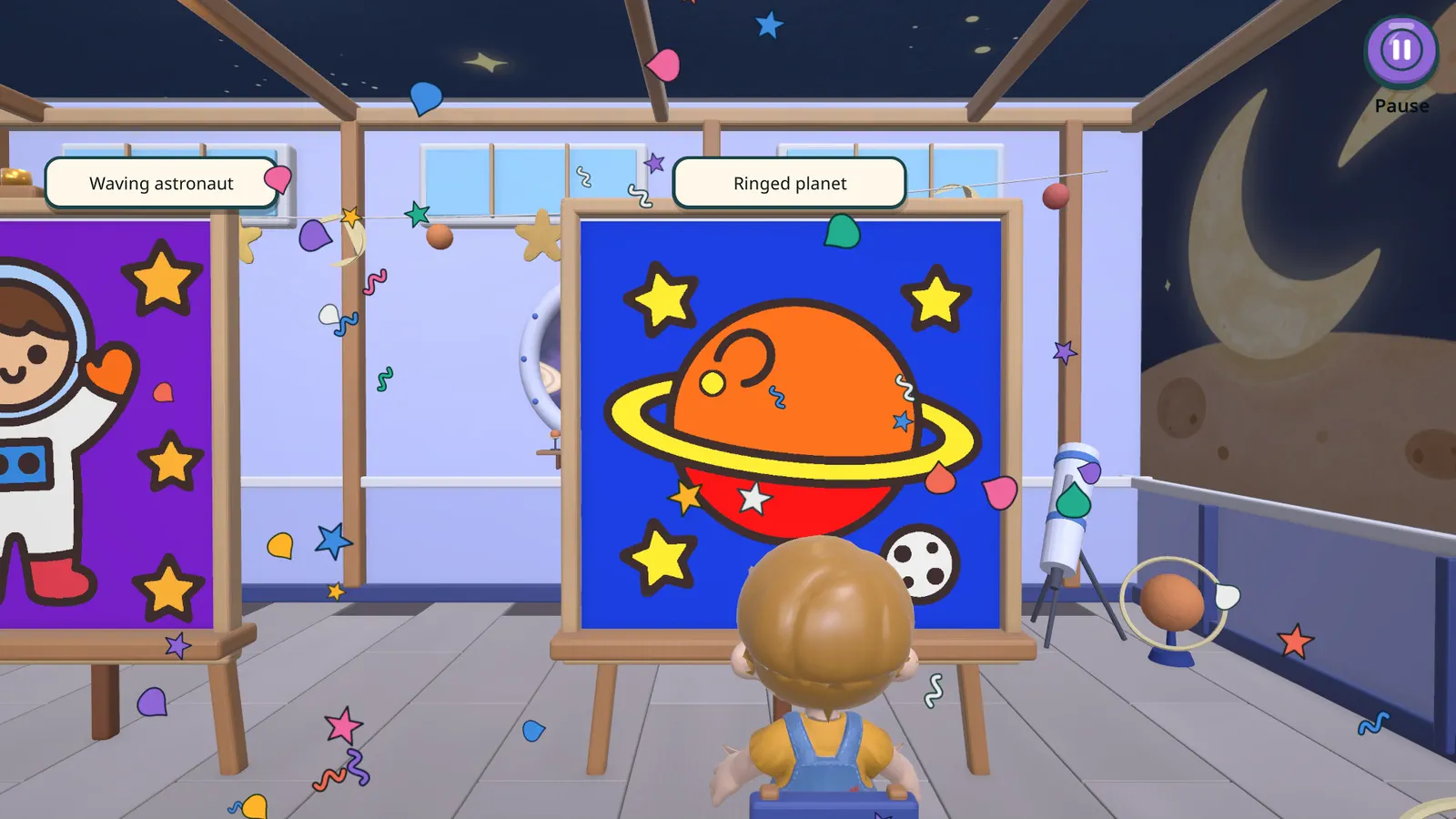
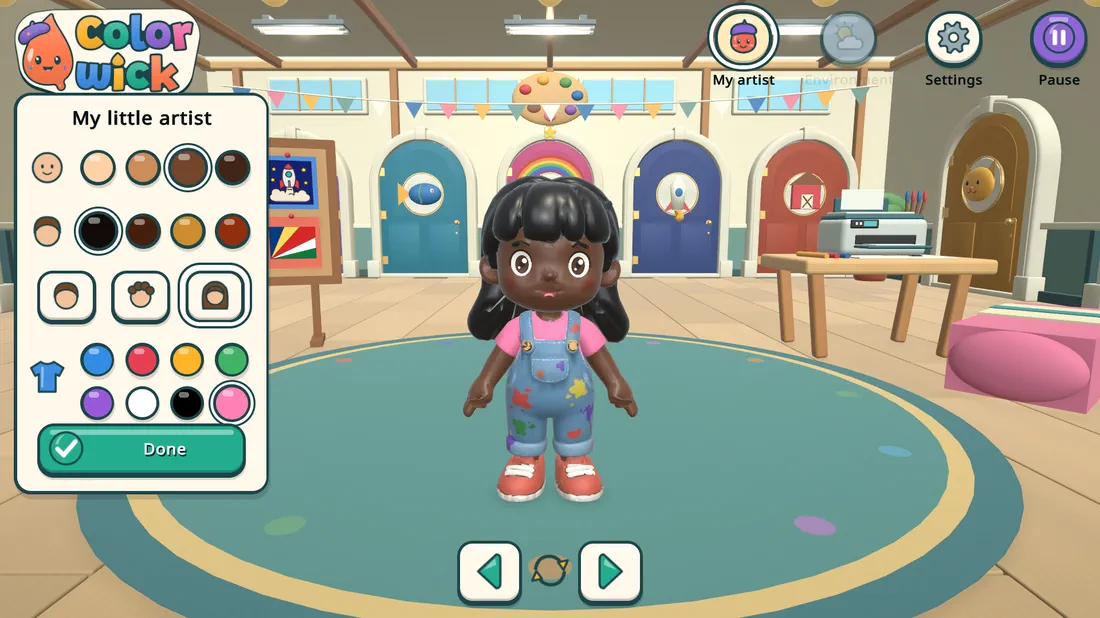
In Colorwick, children create their own little artist (skin tone, hair color, hairstyle and outfit) and walk them around a colorful 3D studio. Every door leads to a themed room. Tap a picture and the artist walks to the easel, sits down, and the page opens on screen, ready to paint.
What's inside
- 301 pictures to color in 7 themed rooms: Forest, Dinosaurs, Magic kingdom, Under the sea, Space, Farm and Animals (43 in each).
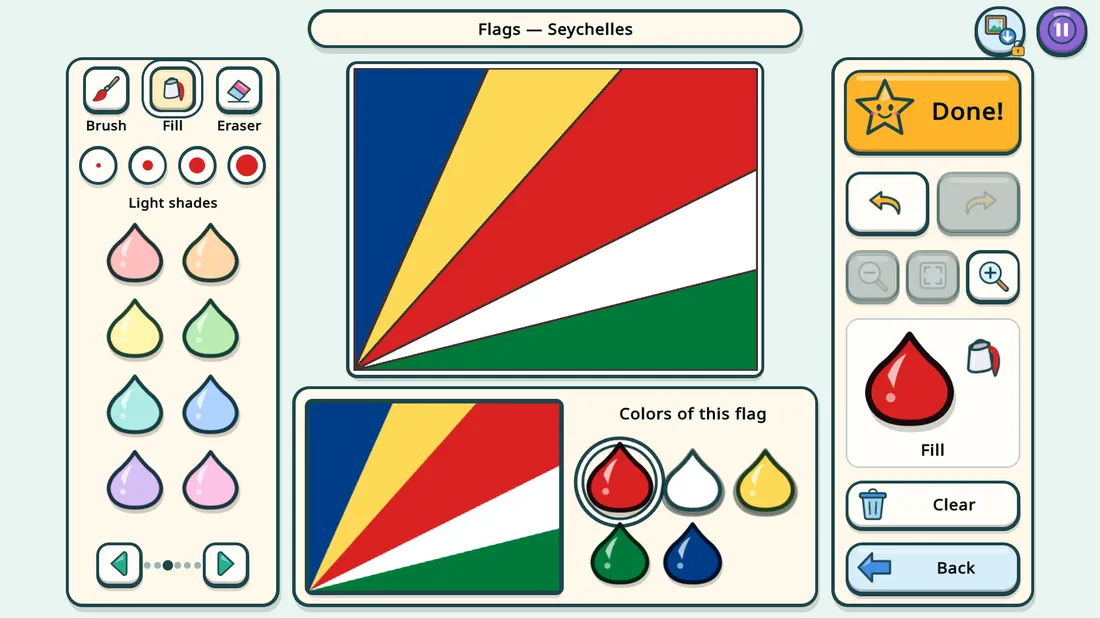
- Flags room with 250 countries and territories: the reference flag sits next to the page and the game shows the colors of that flag.
- Free drawing room: a blank page, a rainbow brush, 4 brush sizes and stamps with stars, hearts, little animals and flowers.
- Brush, paint bucket and eraser, 48 colors in 6 groups, undo, redo and zoom. Paint never covers the outlines.
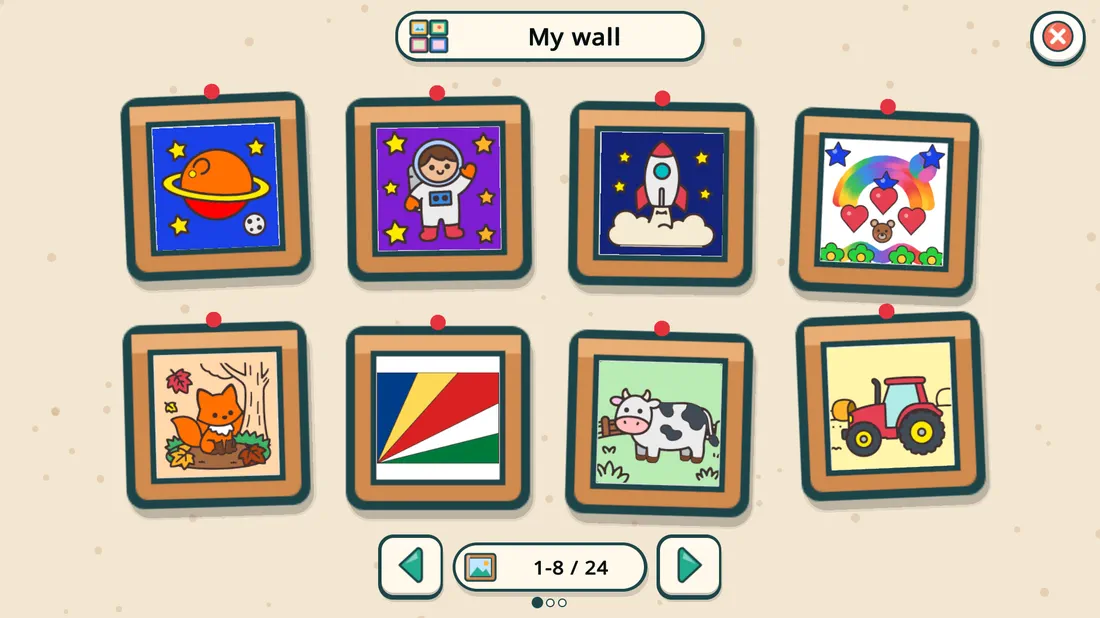
- Done! A little party for every finished picture, which then goes up on My wall, the studio's gallery.
- Six calm instrumental songs and a gentle sound for every action.
Made for small hands
- No reading needed: big icons and a pointing hand show the way.
- Works with a mouse or a touchscreen.
- Saves automatically, so kids can stop and come back to a picture later.
- No scores, no countdown, no "game over". Everyone paints at their own pace.
Peace of mind for parents
- Offline
- No ads
- No purchases
- No data collected
- Works offline, has no ads and no purchases, and collects no data.
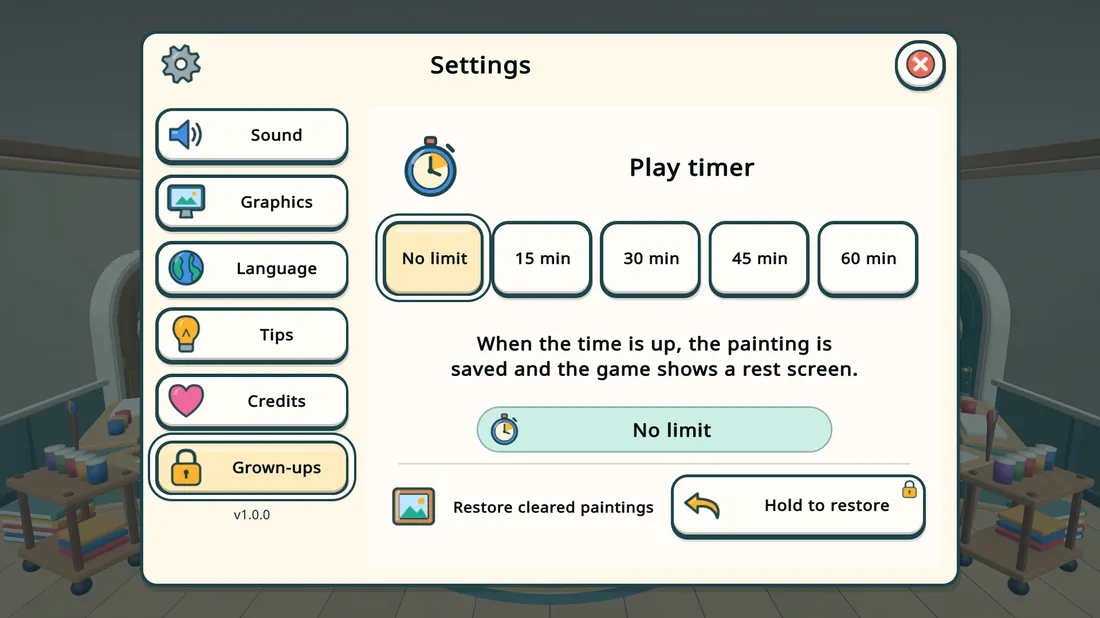
- The Grown-ups tab only opens if you hold the button for 2 seconds. It holds the optional play timer (15, 30, 45 or 60 minutes, ending with a calm rest screen) and the option to restore cleared paintings.
- Printing and saving a painting as a picture also need a grown-up: hold the button for 2 seconds.
- Paintings are kept on this computer only.
- 16 languages, picked automatically.
Features
- 301 pictures to color in 7 themed rooms
- Flags room with 250 countries and territories and the colors of each flag
- Free drawing room with a rainbow brush and stamps
- Brush with 4 sizes, paint bucket, eraser, undo, redo and zoom
- 48 colors in 6 groups; paint never covers the outlines
- A customizable little artist who walks around a 3D studio
- A little party for every finished picture and a "My wall" gallery
- No reading needed: big icons and a pointing hand
- Mouse and touchscreen
- Automatic saving
- Offline, no ads, no purchases and no data collection
- Protected Grown-ups tab: optional play timer with a rest screen
- Printing and saving as a picture need a grown-up (hold for 2 seconds)
- 16 languages
Platform · Languages
- Platform
- Windows 10 · 11
- Age
- Ages 3 to 8
- Languages
- 16 languages: English, Portuguese (Brazil and Portugal), Spanish (Spain and Latin America), French, German, Italian, Polish, Russian, Turkish, Ukrainian, Japanese, Korean, Simplified Chinese and Traditional Chinese
System requirements
- OS: Windows 10 or 11, 64-bit
- Processor: 64-bit, dual-core or better
- Memory: 4 GB RAM
- Graphics: DirectX 11 compatible (Intel UHD integrated graphics or better)
- Storage: 1 GB available space
- Other: mouse or touchscreen; printer optional
FAQ
What age is it for?
Children aged 3 to 8. No reading is needed. The youngest ones enjoy it most with a grown-up nearby the first few times.
Does it need the internet?
No. Once installed, the game works completely offline. It has no accounts, no chat and no online content, and it never opens web pages.
Are there ads or in-game purchases?
No. The game comes complete: no ads, no coins, nothing to buy inside.
Does the game collect my child's data?
No. The game does not collect, send or share any personal data, and it does not use the camera, the microphone or location. Only the paintings and the game preferences (language, volume, the artist's look and display settings) are kept on the computer.
Where are the paintings saved?
On Windows, in %USERPROFILE%\AppData\LocalLow\PequenoAtelie\Pequeno Atelie\Paintings (each painting is a PNG file). To open it, press Windows + R, paste the path and press Enter. Pictures saved by a grown-up with the picture button go to Pictures\Colorwick (or Pictures\Pequeno Ateliê when the game is in Portuguese).
If I uninstall the game, do I lose the paintings?
No. Uninstalling removes the game files, but the paintings stay in the folder above and show up again if you reinstall. To delete everything for good, delete the folder %USERPROFILE%\AppData\LocalLow\PequenoAtelie after uninstalling.
What if my child clears a painting by mistake?
There is undo and redo. The Clear button asks for confirmation. And the studio's giant eraser keeps a copy of cleared paintings: a grown-up can bring them back in Settings > Grown-ups > Restore cleared paintings.
How do I limit play time?
In Settings > Grown-ups (hold the button for 2 seconds), set the Play timer to 15, 30, 45 or 60 minutes. When time is up, the painting is saved and a calm rest screen appears. You can also use the parental controls of your store or of Windows.
Can we print the paintings?
Yes. There is a printer in the studio: a grown-up holds the button for 2 seconds and picks a printer in the Windows print window. You can also save a painting as a PNG picture by holding the button for 2 seconds.
Does it work with a touchscreen? With a controller?
It works with a mouse and with Windows touchscreens. Controllers (gamepads) are not supported.
Which systems does it run on?
Windows 10 and 11 (64-bit). Mac, Linux and other devices have not been tested.
Which languages?
16: English, Portuguese (Brazil and Portugal), Spanish (Spain and Latin America), French, German, Italian, Polish, Russian, Turkish, Ukrainian, Japanese, Korean, Simplified Chinese and Traditional Chinese. The game uses the language set in your store or in Windows. The translations were made with the help of AI tools.
Why does the game have two names?
It is Pequeno Ateliê in Portuguese and Colorwick in every other language. The ending "-wick" comes from Old English and means "village" (as in Warwick), so Colorwick is the "Village of Colors".
Was the game made with AI?
Partly. The game was created by Valter Joziel (Valtora Games). AI tools were used for the drawings and textures (a local image model), the 3D rooms, furniture and character (modeled in Blender by AI-written scripts), some 3D objects (Meshy), programming, translations and composing the music. Production directed and tested by Valter Joziel. Nothing is generated by AI while your child plays, and the game contains no AI model.
Where to buy
Questions, problems or feedback about Colorwick (Pequeno Ateliê) or about a studio project? Write to: suporte@valtorastudio.com
How it was made
Created by Valter Joziel at Valtora Games. AI tools were used in part of the production: drawings and textures with a local image model; 3D rooms, furniture and character modeled in Blender by AI-written scripts, plus 3D objects made with Meshy; AI assistants for programming, translations and composing the music. Production directed and tested by Valter Joziel. Nothing is generated by AI while your child plays.
The ending "-wick" comes from Old English and means "village" (as in Warwick), so Colorwick is the "Village of Colors". In Portuguese the game is called Pequeno Ateliê ("little art studio"). Same game, two names.